Name Missing from Arunachal Voter List 2026? How to Fix It
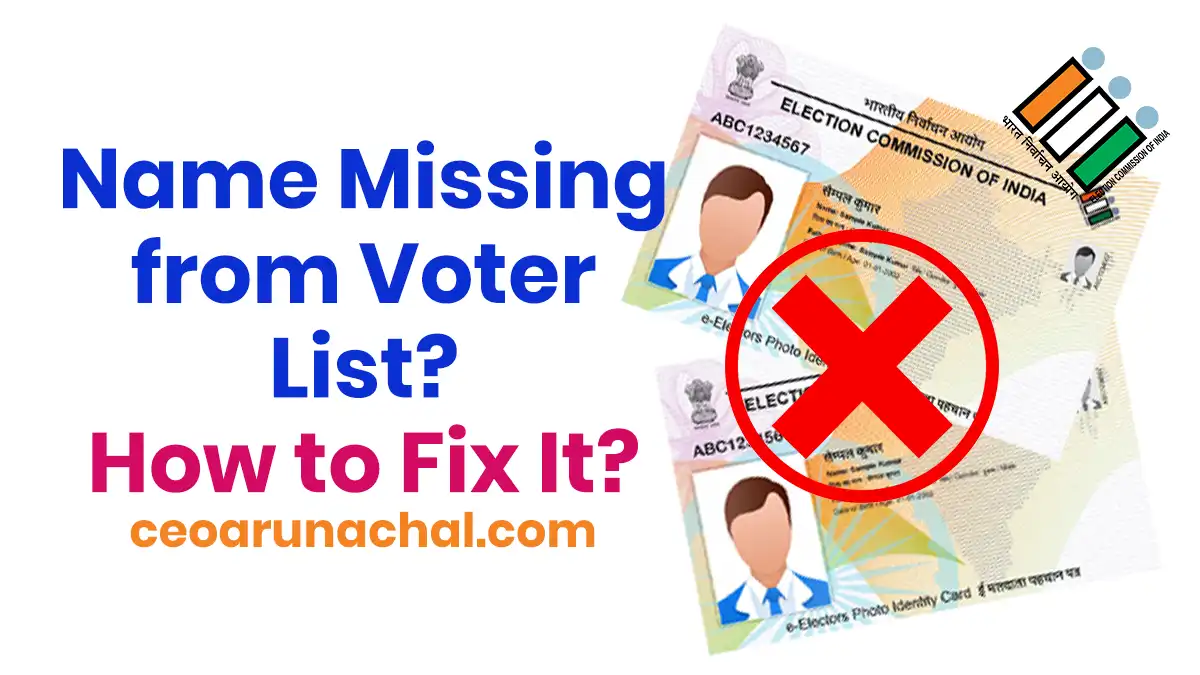
It can be a very big shock to arrive at the polling booth or check the CEO Arunachal portal only to find your name missing from the 2026 Electoral Roll, even if you hold a valid EPIC (Voter ID) card in your hand.
Having a Voter ID card does NOT guarantee you can vote. Your name MUST be active on the current electoral roll list. Let's know why this happens and how to fix this problem online from your home.
Why is My Name Deleted from the Voter List?
The Election Commission of India (ECI) regularly updates the list to remove duplicate or shifted voters. Sometimes, active voters get accidentally removed. Here are the main reasons:
| Reason | Meaning |
|---|---|
| Absenteeism | The BLO visited your house during the survey and neighbors said you don't live there anymore. |
| Duplication | You registered twice (e.g., in your village and in the city). The ECI system deletes duplicate entries automatically. |
| Form 7 Objection | Someone filed a Form 7 claiming you are no longer a resident of that area. |
How to Verify if Your Name is Actually Deleted
First, do not panic. Let's know how to verify your status online. Follow the below steps:
Step 1. Visit the official ECI Electoral Search portal: For the first step, you have to visit the official Election Commission search portal: https://electoralsearch.eci.gov.in/. On this portal, anyone can check their voter details online without login.
Step 2. Go to Search by EPIC: After opening the website, look at the top menu bar, and you will see the Search by EPIC option. Click on this section to go to the exact page.
Step 3. Enter your details: Now you have to give some information. Enter your exact EPIC Number and select your state as Arunachal Pradesh from the dropdown list.
Step 4. Fill the Captcha: After giving these details, you have to fill in the CAPTCHA code in the box below. Give the captcha code carefully and press the Search button.
Step 5. Check your result: If the screen shows "No Record Found" in red color at the bottom, then your name has definitely been deleted from the official list.
How to Fix This and Get Your Name Back
Many people think they can just "reactivate" a deleted card. But no, you CANNOT reactivate a deleted card. You must re-apply for a new entry using Form 6.
Step-by-Step Guide to Re-Register
Step 1. Go to the official voters portal: For the first, you have to visit the main ECI portal: https://voters.eci.gov.in/ to start your application.
Step 2. Login or Sign Up: If you already have an account, just login using your mobile number. If you don't have an account, click sign up and create one easily.
Step 3. Click on Form 6: On the dashboard, click on Form 6 (Application for New Voters). Yes, even if you had a card before, a deletion means you must fill a fresh Form 6.
Step 4. Provide your details: Now fill up all your personal details carefully. You have to upload your current Address Proof and Age Proof documents in JPEG or PDF format.
Step 5. Important Tip: In the application form, there is a special section for "Previous EPIC number". You must mention your old deleted EPIC number here so the BLO knows you were previously registered.
Step 6. Submit the form: Check all details and submit the form. The system will give you a Reference Number. Save this number safely to track your status later.
Help & Support
Always try to participate in the "Summary Revision" survey held by CEO Arunachal Pradesh every year so your name stays safe. If you need any help, you can call the CEO Arunachal helpline number 1950 directly from your phone.